Loading...
ApexPlast: Plastic Manufacturing Website & Catalog CMS
A modern B2B website for plastic moulders, with a searchable product catalog, detailed spec pages, WhatsApp and form-based enquiries, and a built-in admin panel to manage products, categories and leads.
1 / 4
Features
Modern Industrial Homepage
Full-bleed rounded hero with a rotating "Get in touch" badge, company stats, category cards, featured products, machinery capabilities, a six-step manufacturing workflow and a closing call to action.
Searchable Product Catalog
Filter products by category chips and search live across name, product code, description and resin material, with result counts and an empty state that clears every filter.
Detailed Product Spec Pages
Image gallery with thumbnails, material, dimensions, weight, capacity and colour specs, application lists, related products and a printable spec sheet.
B2B Enquiries & WhatsApp RFQ
Quick-enquiry modal on every product card, a full contact page with a quotation form, and a WhatsApp button that pre-fills the product name, code and material.
Built-in Admin CMS
Password-protected console with a catalog dashboard, product management table, add/edit product form, category manager and a leads inbox.
Lead Tracking
Every enquiry lands in the admin inbox with the product, quantity and message, and can be marked New, Contacted or Resolved.
What's included
- Complete React + TypeScript + Vite source code
- 6 public pages: Home, Products, Product Detail, Capabilities, About and Contact
- 5 admin screens: Login, Dashboard, Products, Add/Edit Product and Enquiries, plus Category management
- Sample catalog with 6 products across 5 plastic product categories
- Orange and charcoal theme defined as Tailwind CSS 4 design tokens
- Demo admin account (admin@apexplast.com / admin123)
Project Overview
Many plastic manufacturers still sell with a PDF brochure and a phone number. ApexPlast gives them a proper B2B showroom instead: a clean, modern website where buyers can browse crates, drums, jerry cans, utility ware and custom OEM parts, check technical specs and send a quotation request in a few clicks.
The public site is built around trust. Big numbers show experience, machine count and annual capacity, a capabilities section covers injection moulding, blow moulding and tool-room services, and a numbered manufacturing workflow walks buyers from resin QC to dispatch. Behind it sits a built-in admin panel, so the manufacturer can add products, upload photos, organise categories and follow up on leads without touching code.
Technical Implementation
Architecture
ApexPlast is a single-page React application built with Vite. There is no router. A single CatalogContext holds both the data (products, categories, enquiries, company info) and the navigation state (public or admin view, active page, selected product), so any component can move the user to another page with a single call:
const navigateToProduct = (slug: string) => {
  setSelectedProductSlug(slug);
  setActiveView('public');
  setPublicPage('product-detail');
  window.scrollTo({ top: 0, behavior: 'smooth' });
};
Products, categories, enquiries and the admin session are saved to localStorage under versioned keys, so every change made in the admin panel shows up on the public site straight away and survives a page reload.
Frontend
The UI uses React 19, TypeScript and Tailwind CSS 4. The brand palette is defined once as theme tokens, which re-map Tailwind's default colour scales to a safety-orange accent and neutral charcoal surfaces:
@theme {
  --font-sans: 'Plus Jakarta Sans', ui-sans-serif, system-ui, sans-serif;

  /* Brand accent: safety orange (replaces blue everywhere) */
  --color-blue-500: #f78420;
  --color-blue-600: #f57c00;
  --color-blue-700: #d96a00;

  /* Neutral charcoal surfaces */
  --color-slate-900: #1c1c1c;
  --color-slate-950: #121212;
}
The catalog filters live in memory with useMemo, matching the search query against the product name, code, description and material:
const filteredProducts = useMemo(() => {
  return products.filter((product) => {
    if (!product.isPublished) return false;
    if (activeCategoryFilter && product.categoryId !== activeCategoryFilter) return false;

    if (searchQuery.trim()) {
      const q = searchQuery.toLowerCase();
      const matchName = product.name.toLowerCase().includes(q);
      const matchCode = product.productCode?.toLowerCase().includes(q);
      const matchDesc = product.shortDescription?.toLowerCase().includes(q);
      const matchMat = product.material?.toLowerCase().includes(q);
      if (!matchName && !matchCode && !matchDesc && !matchMat) return false;
    }
    return true;
  });
}, [products, activeCategoryFilter, searchQuery]);
Key Technologies:
- Framework: React 19 + Vite
- Language: TypeScript
- Styling: Tailwind CSS 4 with custom theme tokens
- Icons: Lucide React
- State Management: React Context with localStorage persistence
Admin CMS
The admin console is a separate view behind a login screen. It includes a dashboard (total products, categories, featured items and new leads, plus recently added products), a product management table with search, category and status filters, a full add/edit product form, a category manager and an enquiries inbox.
The product form accepts images in three ways: uploading files from the computer (converted to data URLs with FileReader), pasting an image URL, or choosing from a set of preset plastic-product photos. Any image can be set as the primary one, and slugs are generated automatically from the product name.
Challenges & Solutions
Challenge 1: A Manageable Catalog Without a Backend
Problem: The client wanted to demo a fully editable catalog before committing to a server and database.
Solution: I modelled the domain with typed interfaces (Product, Category, B2BEnquiry, CompanyInfo) and kept all reads and writes inside one context provider. The admin panel and the public pages use the same actions (addProduct, updateCategory, submitEnquiry and so on), so replacing localStorage with a real API later only changes the provider, not the screens.
Challenge 2: Turning Visitors into Qualified Leads
Problem: Industrial buyers rarely fill in long forms, but the sales team needs the product and quantity to quote.
Solution: Every product card has a quick-enquiry button that opens a modal already filled in with the product name and code. Product pages also offer a WhatsApp RFQ button that sends a ready-written message containing the product, code and material. Form enquiries are saved with a status, so sales can move each lead from New to Contacted to Resolved.
Challenge 3: Handling Product Images Safely
Problem: Non-technical staff need to add product photos, and deleting the primary image must not leave a product without a cover.
Solution: The form supports file upload, URL and preset images, and the first image is always set as primary. When the primary image is removed, the next image is promoted automatically, so product cards and detail pages always have a cover image.
Results & Impact
- Complete B2B Website: 6 public pages covering home, catalog, product specs, capabilities, company profile and contact.
- Self-Managed Content: A built-in admin CMS for products, categories, images and leads, with no developer needed.
- Faster Quotations: Quick-enquiry modals and pre-filled WhatsApp messages give sales the product details they need to quote.
- Backend-Ready: A single typed data layer makes it straightforward to connect a real API or headless CMS later.
More projects
View all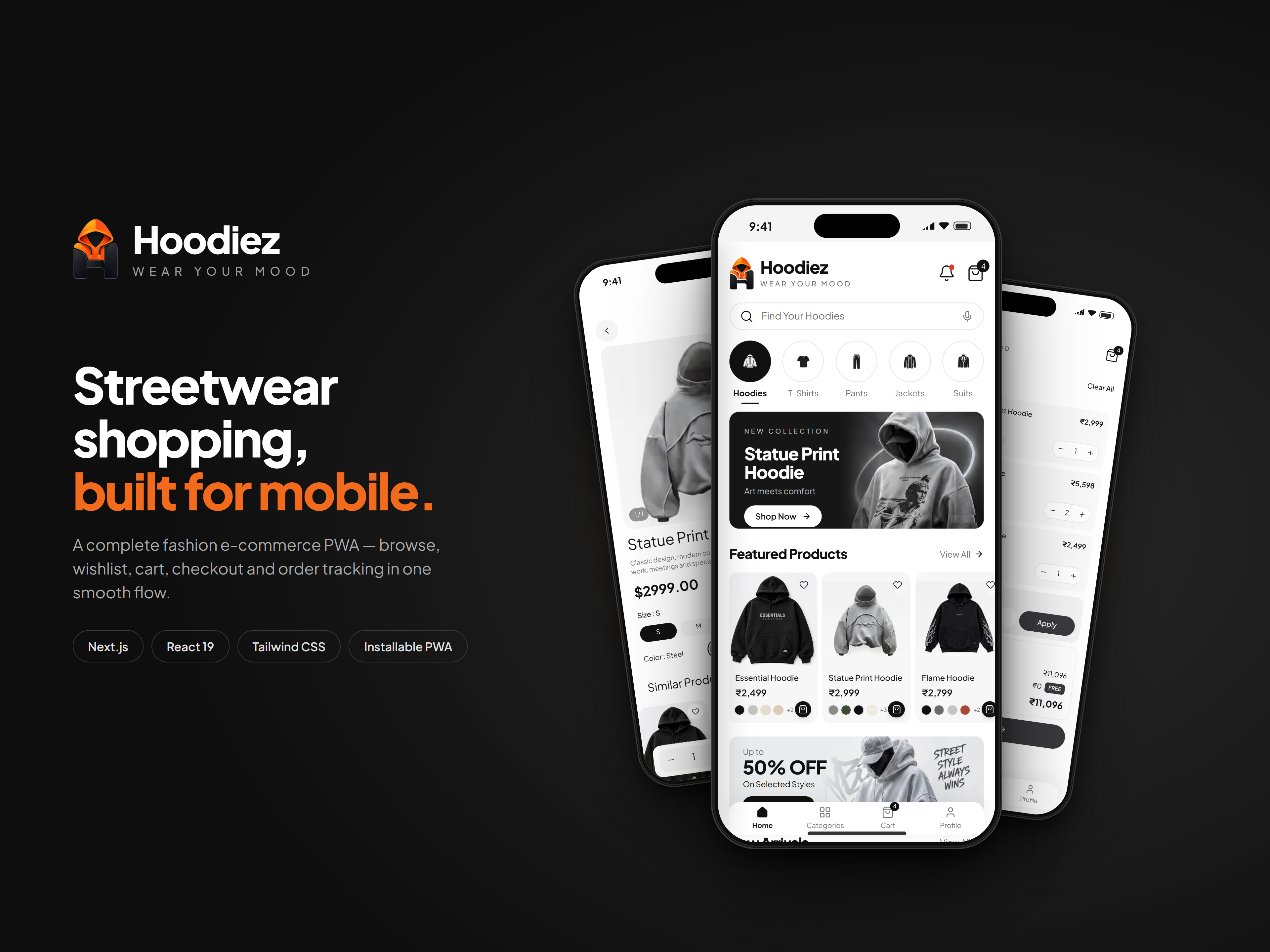
A mobile-first streetwear store with hoodie-led collections, rich product pages, a wishlist, a swipeable cart and a full UPI, card and cash-on-delivery checkout, all installable as an offline-ready PWA.
Hoodiez: Streetwear E-commerce Mobile App
Mobile Application · Next.js · React
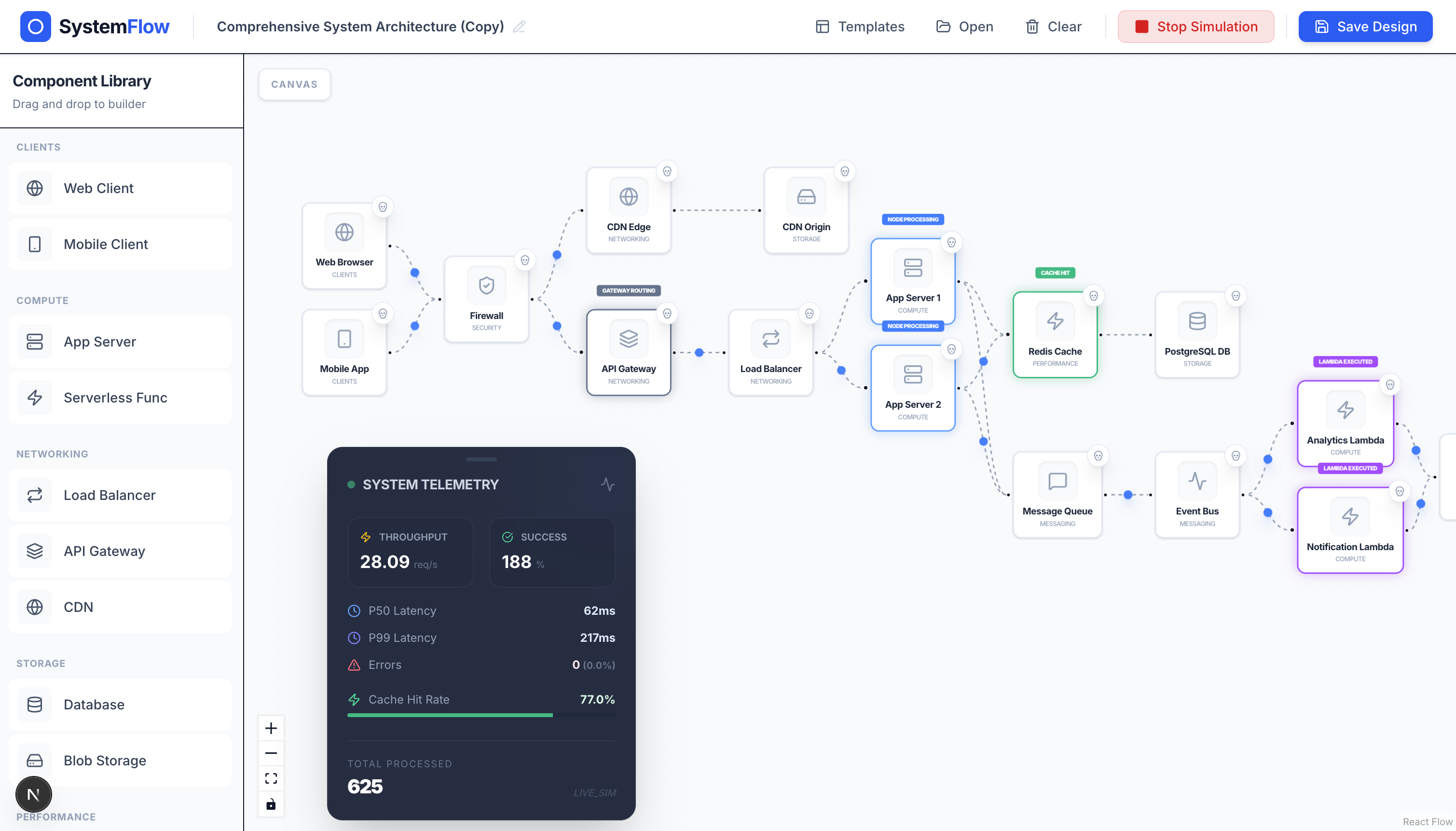
Design distributed system architectures on a drag-and-drop canvas and watch traffic, latency, and failures play out in real time.
PremiumSDApp: Visual System Design Simulator
Web Application · Next.js · React Flow
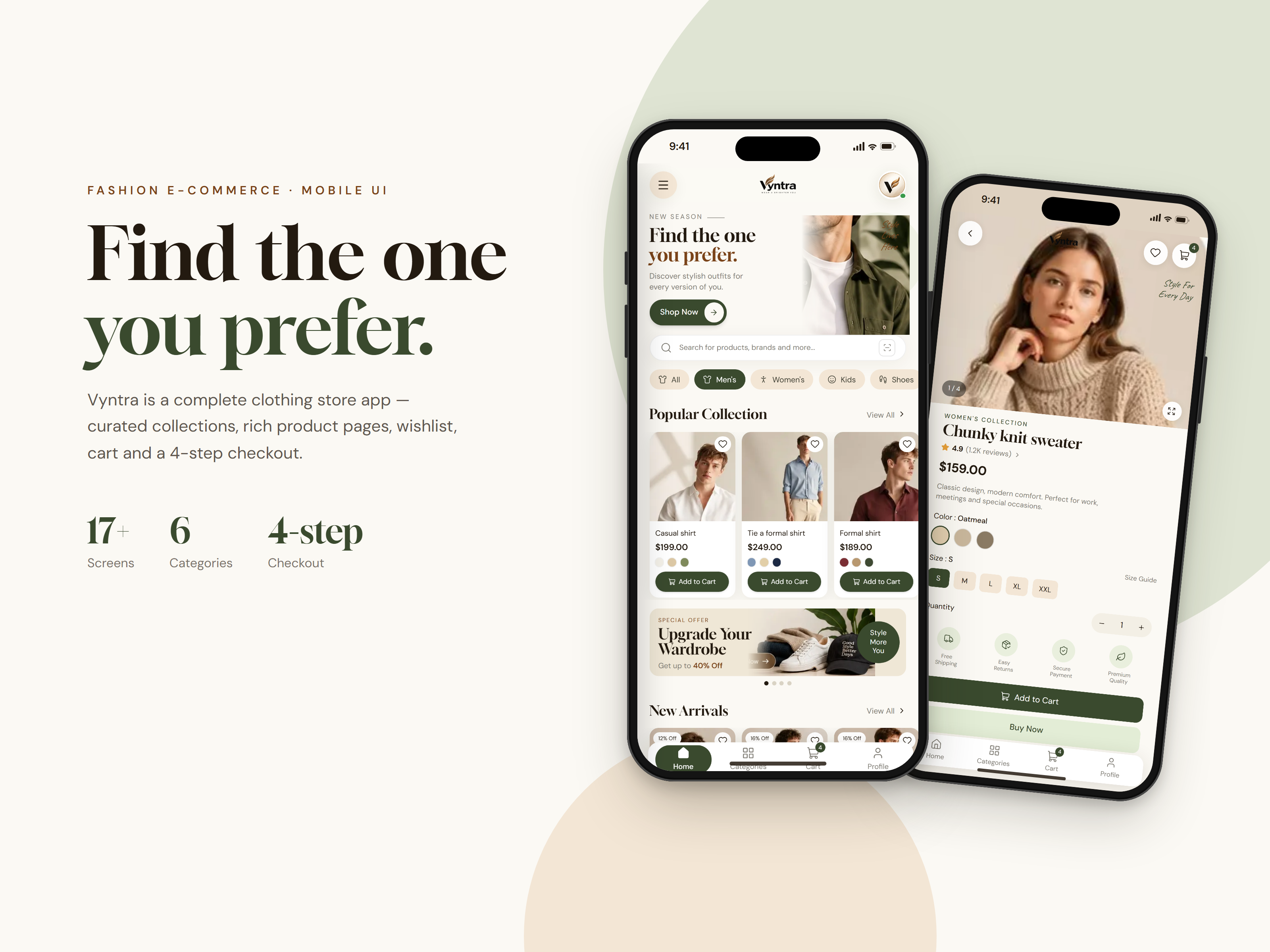
A mobile-first clothing store with curated collections, rich product pages, a wishlist, a cart and a smooth 4-step checkout, all installable as an offline-ready PWA.
Vyntra: Fashion E-commerce Mobile App
Mobile Application · Next.js · React