Loading...
Vyntra: Fashion E-commerce Mobile App
A mobile-first clothing store with curated collections, rich product pages, a wishlist, a cart and a smooth 4-step checkout, all installable as an offline-ready PWA.
1 / 8
Features
Editorial Shopping Experience
Lookbook-style home, category and collection screens with filters, sorting, sale toggles and grid/list views across 77 products in 5 categories.
Rich Product Pages
Image gallery, colour and size pickers, ratings, quantity control and quick add-to-cart with a flying-thumbnail animation into the cart icon.
Wishlist & Swipeable Cart
Heart any product, move everything to the cart in one tap, and swipe cart rows left to delete or right to save for later.
4-Step Checkout
Address, delivery (standard, express or scheduled), payment (UPI, card, net banking, wallets, COD) and review, finished with a slide-to-place-order control.
Orders & Profile
Order history with status filters and tracking, saved addresses, payment methods and an editable profile.
Installable & Offline-Ready
A web app manifest and custom service worker make Vyntra installable on the home screen and usable offline.
What's included
- Complete Next.js App Router frontend source (TypeScript)
- 17+ mobile screens, from onboarding to order success
- Local-first stores for cart, wishlist, checkout, addresses and orders
- Demo authentication (sign in / sign up) with a one-tap demo account
- PWA manifest, app icons and offline service worker
- Product catalogue with 77 items across Men's, Women's, Kids, Shoes and Accessories
Project Overview
Most clothing store templates are desktop sites squeezed onto a phone. Vyntra was designed the other way round: a mobile-first shopping app that feels like flipping through a fashion lookbook, with editorial typography, a warm forest-and-amber palette and big product photography.
Built with Next.js and React, Vyntra covers the whole shopping journey. Users go from an onboarding splash through sign-in, browsing categories and collections, and product details to the wishlist, cart, a 4-step checkout and order tracking. Everything runs in the browser and can be installed to the home screen as a Progressive Web App, so it works both as a polished client demo and as a ready starting point for a real store.
Technical Implementation
Architecture
Vyntra is a frontend-only application built on the Next.js App Router. Each screen is a route (/home, /categories, /collection/[slug], /product/[id], /cart, /checkout/*, /orders, /profile and more) backed by a dedicated screen component. App state such as the cart, wishlist, checkout selections, addresses, profile and placed orders lives in small localStorage-backed stores, so the app is fully interactive without a backend and can later be wired to a real API.
Frontend
The UI uses React 19 and Tailwind CSS 4, with Gloock, DM Sans and Caveat loaded through next/font. Every screen is laid out inside a phone-style frame that defines a fluid design unit, so the layout scales exactly from the original design at any phone width.
// Phone-style column. `--u` = 1 design pixel of the 941px-wide reference.
export function PhoneFrame({ children }: { children: ReactNode }) {
  return (
    <div className="flex min-h-dvh justify-center bg-page">
      <div
        className="relative min-h-dvh w-full max-w-[430px] bg-page [container-type:inline-size]"
        style={{ ["--u" as string]: "calc(100cqw / 941)" }}
      >
        {children}
      </div>
    </div>
  );
}
State is shared through a tiny store factory built on useSyncExternalStore, which keeps every screen in sync, including across browser tabs:
/** Tiny localStorage-backed store, usable with a hook or imperatively. */
export function createStore<T>(key: string, initial: T) {
  let cache: T | null = null;
  const listeners = new Set<() => void>();

  const get = (): T => {
    if (cache !== null) return cache;
    try {
      const raw = localStorage.getItem(key);
      cache = raw ? (JSON.parse(raw) as T) : initial;
    } catch {
      cache = initial;
    }
    return cache;
  };

  const set = (next: T) => {
    cache = next;
    localStorage.setItem(key, JSON.stringify(next));
    listeners.forEach((l) => l());
  };
  // ...subscribe + `use` hook via useSyncExternalStore
}

export const checkoutStore = createStore<CheckoutState>("checkout-state", DEFAULT_CHECKOUT);
Key Technologies:
- Framework: Next.js with App Router
- UI: React 19 + TypeScript
- Styling: Tailwind CSS 4 with container-query design units
- Icons: Lucide React
- State Management: localStorage stores with
useSyncExternalStore
PWA & Offline Support
A web app manifest (name, icons, maskable icon and shortcuts to Categories, Cart and Wishlist) makes Vyntra installable. A custom service worker handles caching: cache-first for static assets and network-first for page navigations, falling back to the last cached copy and then to a dedicated offline page.
/* Vyntra service worker: makes the app installable and usable offline.
   - Static assets (JS/CSS/fonts/images/icons): cache-first, filled as they are used.
   - Page navigations: network-first, falling back to the last cached copy, then to the offline page. */
const VERSION = "v2";
const STATIC = `vyntra-static-${VERSION}`;
const PAGES = `vyntra-pages-${VERSION}`;
const PRECACHE = ["/home", "/categories", "/cart", "/wishlist", "/profile", "/offline"];
Infrastructure:
- Rendering: Next.js (static + client components)
- Offline: Custom service worker with versioned caches
- Persistence: Browser localStorage
- Installability: Web App Manifest with maskable icons
Challenges & Solutions
Challenge 1: Pixel-Perfect Design at Every Phone Size
Problem: The design was delivered as fixed-width mockups. Hard-coded pixel values looked right on one device but broke on smaller or larger phones.
Solution: I introduced a single CSS design unit, --u, calculated with container query units as one design pixel of the 941px reference (100cqw / 941). Every spacing, radius and font size is written as calc(var(--u) * N), so the whole interface scales proportionally inside the phone frame while staying faithful to the original design.
Challenge 2: Native-Feeling Gestures on the Web
Problem: Swipe-to-delete cart rows, a slide-to-place-order control and the add-to-cart "flying product" animation all stuttered when every pointer move triggered a React re-render.
Solution: These interactions move elements directly through the DOM, writing only transform once per animation frame, and hand control back to React only when a gesture commits. Swipe rows use open and commit thresholds plus flick-velocity detection, the add-to-cart flight uses the Web Animations API along a curved path and is skipped when the user prefers reduced motion.
Challenge 3: A Fully Working Store Without a Backend
Problem: The client needed to demo real flows like cart totals, coupons, delivery dates and placed orders before any backend existed.
Solution: I modelled each domain (cart, wishlist, addresses, checkout, orders, profile) as its own typed local store, with derived hooks for totals, discounts (for example the VYNTRA10 coupon) and delivery ETAs. Screens only talk to these hooks, so swapping localStorage for a real API later means changing the store layer, not the UI.
Results & Impact
- Complete Journey: 17+ production-ready screens covering onboarding, auth, browsing, product detail, wishlist, cart, checkout, orders and profile.
- Real Catalogue: 77 products across Men's, Women's, Kids, Shoes and Accessories, with colours, sizes, ratings and sale pricing.
- Offline & Installable: Works as a home-screen app, and cart, wishlist and orders stay available without a connection.
- Backend-Ready: A clean store layer makes it simple to connect a real API, payment gateway or headless commerce platform.
More projects
View all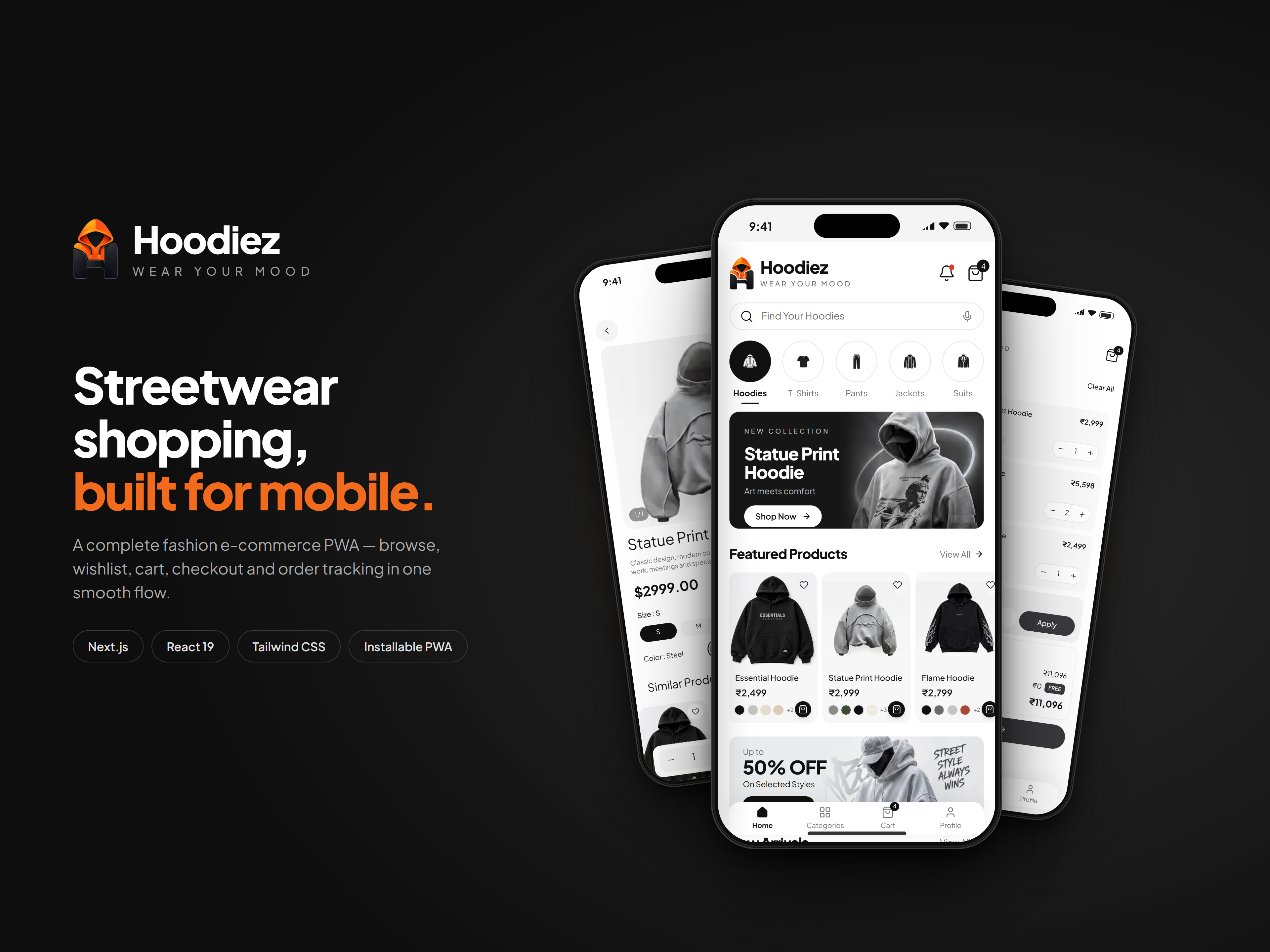
A mobile-first streetwear store with hoodie-led collections, rich product pages, a wishlist, a swipeable cart and a full UPI, card and cash-on-delivery checkout, all installable as an offline-ready PWA.
Hoodiez: Streetwear E-commerce Mobile App
Mobile Application · Next.js · React
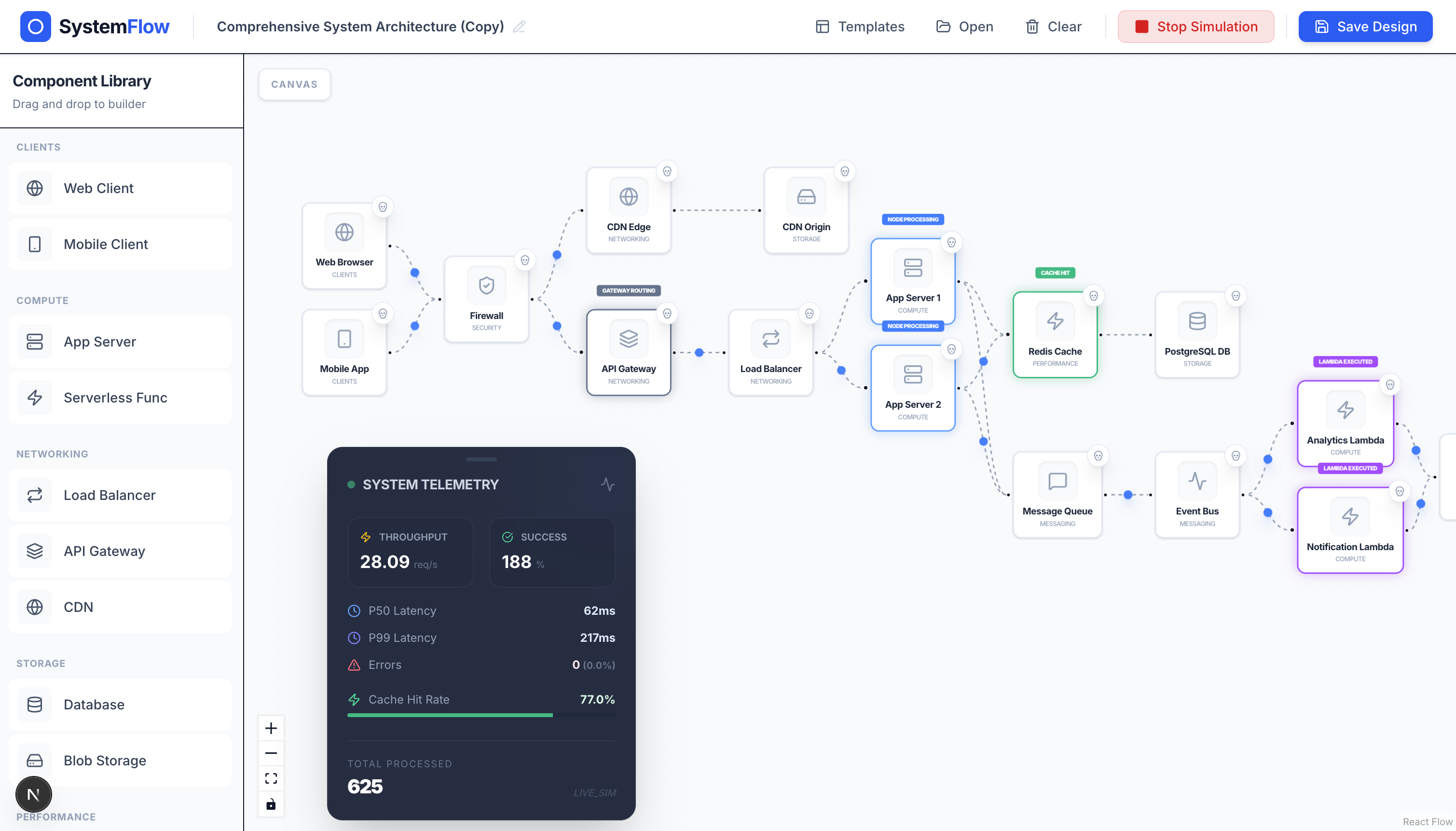
Design distributed system architectures on a drag-and-drop canvas and watch traffic, latency, and failures play out in real time.
PremiumSDApp: Visual System Design Simulator
Web Application · Next.js · React Flow
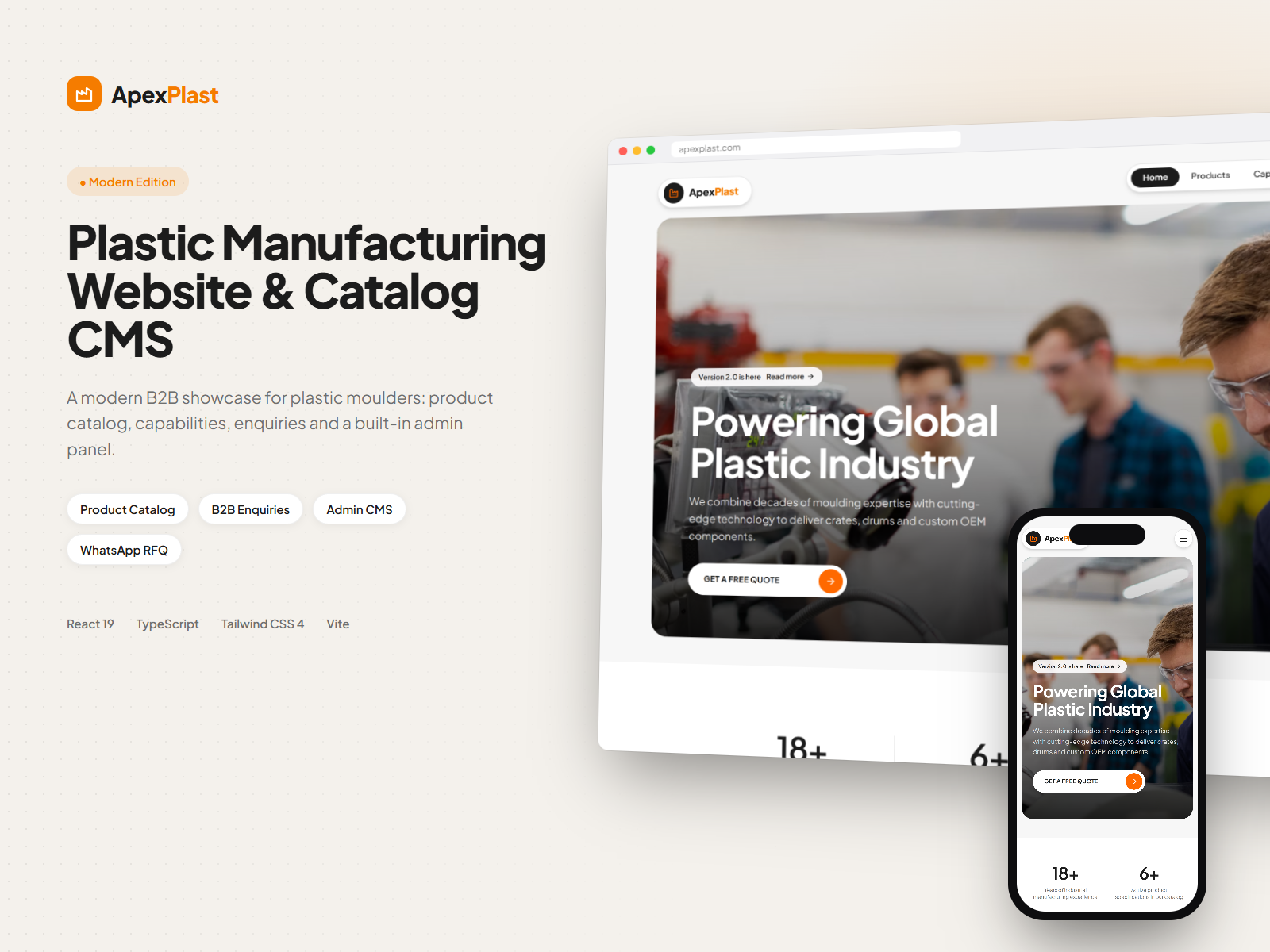
A modern B2B website for plastic moulders, with a searchable product catalog, detailed spec pages, WhatsApp and form-based enquiries, and a built-in admin panel to manage products, categories and leads.
ApexPlast: Plastic Manufacturing Website & Catalog CMS
Web Application · React · TypeScript