Loading...
ApexPlast Industrial: Heavy-Industry Plastic Manufacturer Website
A bold dark and amber industrial website for polymer and injection moulding companies, with an auto-playing hero slider, partner band, plant capabilities, a filterable product catalog, RFQ enquiries and a built-in admin CMS.
1 / 4
Features
Auto-Playing Hero Slider
Two full-screen industrial slides that rotate every 8 seconds, each with its own eyebrow, headline, calls to action and a floating spec card (38+ injection lines, 14.5K tonnes a year).
Partner Band & Feature Cards
An amber partner-logo band followed by four overlapping feature cards for quality control, the engineering team, mould tooling and lab testing.
Industrial Utility Bar & Search
A dark top bar with phone, email, plant address and ISO badge, a condensed uppercase main navigation, and a full-screen product search overlay with example searches.
Catalog on the Homepage
Category filter chips and product cards right on the homepage, plus a full catalog page with search, detail pages, specs and related products.
Testimonials, Stats & Case Studies
A testimonial spotlight with slide controls, a four-stat counter bar, manufacturing case-study cards and a split amber call-to-action banner.
Admin CMS & RFQ Inbox
A dashboard for the plant catalog and operations, product and category management with image upload, and an RFQ inbox with lead status tracking.
What's included
- Complete React + TypeScript + Vite source code
- 6 public pages: Home, Company, Services & Plant, Products Catalog, Product Detail and Contact
- Admin console: Login, Dashboard, Products, Add/Edit Product, Categories and Enquiries
- Dark navy and amber theme with Barlow Condensed headings and reusable button utilities
- Hero slider, search overlay, mobile drawer and quick-enquiry modal
- Sample catalog with 6 products across 5 categories and a demo admin account
Project Overview
Heavy-industry buyers expect a supplier's website to look like the factory floor: solid, precise and serious. ApexPlast Industrial is the heavy-industry edition of the ApexPlast platform, with a deep carbon-navy base, molten-amber accents, square edges and tall, condensed uppercase headlines in Barlow Condensed.
The homepage opens with an auto-playing hero slider ("We Manufacture a Variety of High Quality Products"), an amber partner band and four overlapping feature cards. It then moves through the company's core values, a three-card processing section, a filterable product showcase, a testimonial spotlight, a stats counter, case studies and a split call-to-action banner. A top utility bar keeps phone, email, plant address and ISO certification visible on every page, and a built-in admin CMS manages the catalog and incoming RFQs.
Technical Implementation
Architecture
The site is a single-page React application built with Vite. One CatalogContext holds the products, categories, enquiries and company details, along with the navigation state for public pages and the admin console. Everything is saved to localStorage, so catalog edits and new enquiries persist between visits.
Frontend
The theme is built from base-layer font variables and a small set of industrial utilities. Headings switch to the condensed display face, while body text stays readable in Plus Jakarta Sans:
@layer base {
  :root {
    --font-heading: 'Barlow Condensed', sans-serif;
    --font-display: 'Barlow', sans-serif;
    --font-body: 'Plus Jakarta Sans', sans-serif;
  }
  h1, h2, h3, .font-heading {
    font-family: var(--font-heading);
    letter-spacing: -0.02em;
  }
}

.btn-gold { background-color: #f59e0b; color: #0f172a; font-weight: 700; }
.clip-diagonal { clip-path: polygon(0 0, 100% 0, 85% 100%, 0% 100%); }
The hero slider is driven by simple data. Each slide defines its copy, image and badge, and a timer moves to the next slide every eight seconds:
const [currentSlide, setCurrentSlide] = useState(0);

useEffect(() => {
  const timer = setInterval(() => {
    setCurrentSlide((prev) => (prev + 1) % HERO_SLIDES.length);
  }, 8000);
  return () => clearInterval(timer);
}, []);

const slide = HERO_SLIDES[currentSlide];
Key Technologies:
- Framework: React 19 + Vite
- Language: TypeScript
- Styling: Tailwind CSS 4 with custom industrial utilities
- Typography: Barlow Condensed, Barlow and Plus Jakarta Sans
- State Management: React Context with localStorage persistence
Admin CMS
The admin console includes a plant catalog and operations dashboard, a product table with search and filters, an add/edit product form (file upload, image URL or preset photos, automatic slugs, featured and published toggles), a category manager, and an enquiries inbox where each RFQ can be marked New, Contacted or Resolved.
Challenges & Solutions
Challenge 1: A Dramatic Hero That Stays Readable
Problem: Dark industrial photography looks impressive, but white headlines and body text can easily get lost against a busy factory image.
Solution: The hero image is dimmed with brightness and contrast filters, then layered with two gradients: one from left to right behind the text column, and one from bottom to top to blend into the next section. A soft amber glow on the right adds warmth, like molten plastic, without reducing contrast where the copy sits.
Challenge 2: Different Actions on Each Slide
Problem: Each hero slide needed its own calls to action, such as "Explore Our Products" on the first and "Request Technical Quote" on the second, without duplicating markup.
Solution: Slides are stored as data (tag, title, subtitle, CTA labels, image and badge). The primary and secondary handlers check the active slide and route to the catalog, the about page, the capabilities page or the quick-enquiry modal. Previous and next arrows let visitors control the slider manually.
Challenge 3: Fast Product Discovery for Engineers
Problem: Engineers often arrive with a specific part in mind, like a Euro crate or a UN-certified jerry can, and do not want to click through categories.
Solution: A search button in the main navigation opens a full-screen overlay with example searches (Euro crates, UN jerry cans, 210L drums). Submitting it opens the catalog page, which searches product names, codes, descriptions and materials, and the homepage also shows category chips so visitors can filter products without leaving the page.
Results & Impact
- Heavy-Industry Identity: A dark, amber, condensed-type design that suits polymer plants, tool rooms and B2B manufacturers.
- Rich Homepage Story: Hero slider, partners, core values, processing, products, testimonials, stats and case studies on a single scroll.
- Quick Access to Products: A search overlay, category chips and detailed spec pages help engineers find parts fast.
- Self-Managed Catalog & Leads: The built-in admin CMS handles products, categories, images and RFQs without developer help.
More projects
View all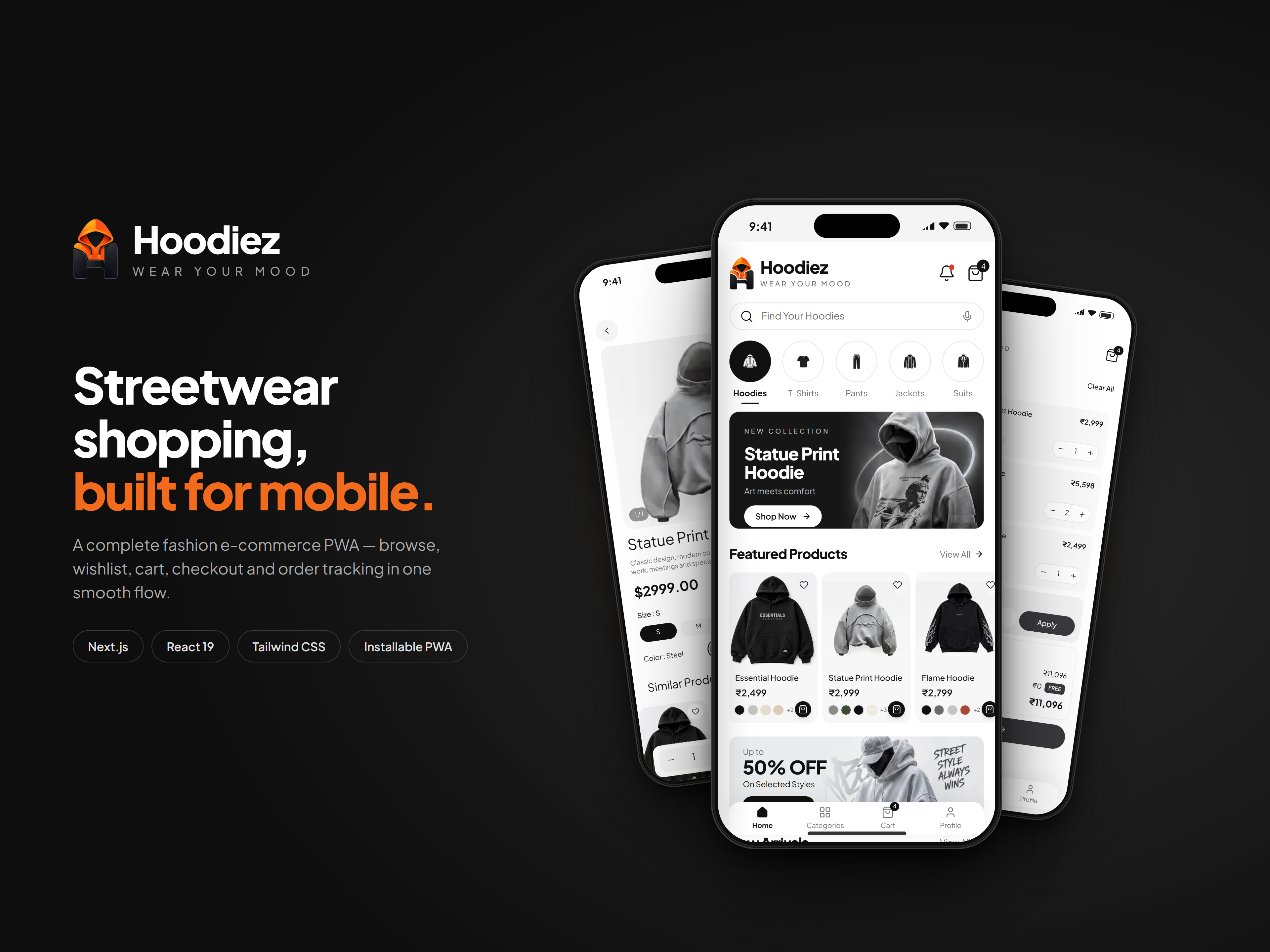
A mobile-first streetwear store with hoodie-led collections, rich product pages, a wishlist, a swipeable cart and a full UPI, card and cash-on-delivery checkout, all installable as an offline-ready PWA.
Hoodiez: Streetwear E-commerce Mobile App
Mobile Application · Next.js · React
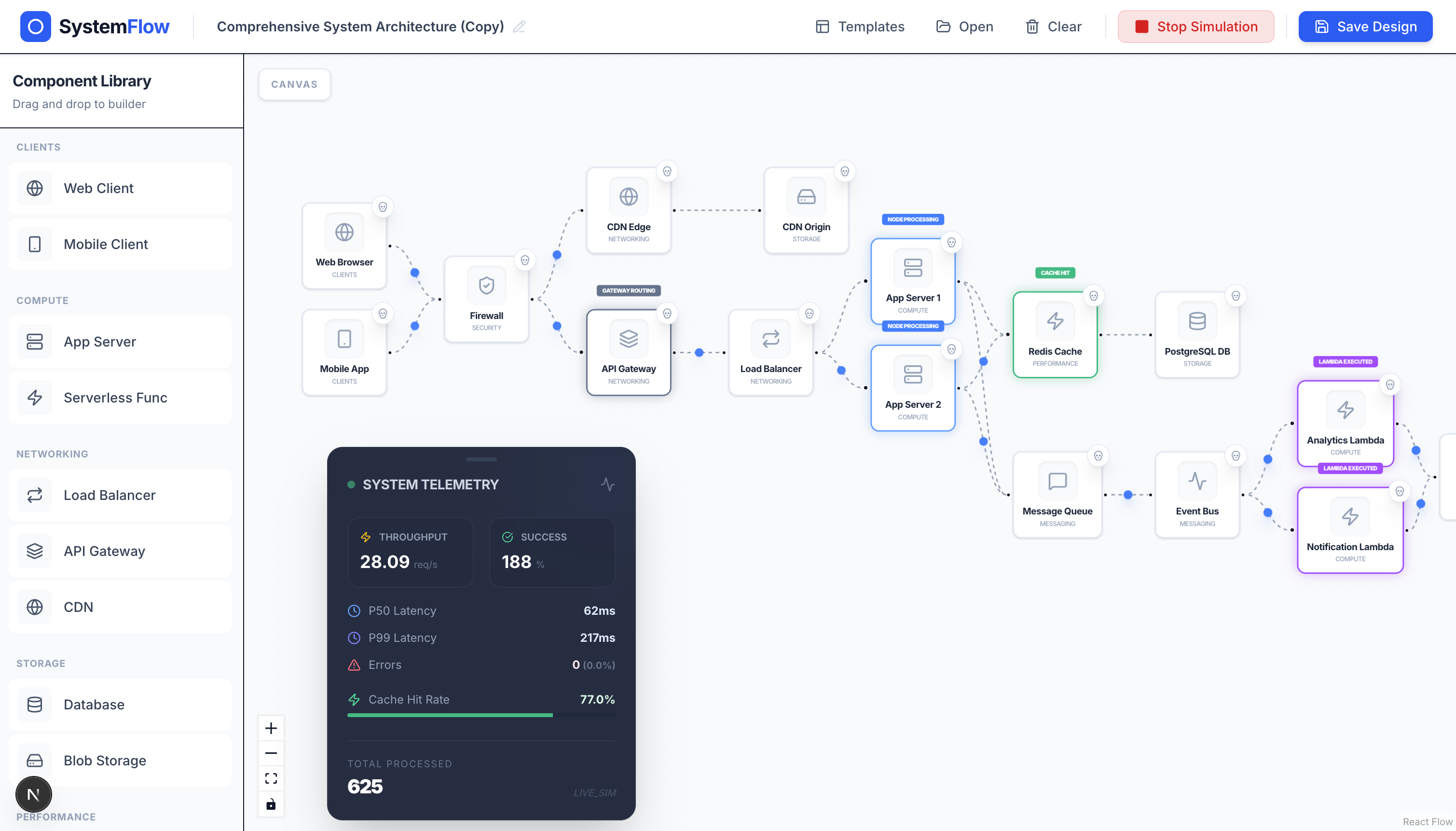
Design distributed system architectures on a drag-and-drop canvas and watch traffic, latency, and failures play out in real time.
PremiumSDApp: Visual System Design Simulator
Web Application · Next.js · React Flow
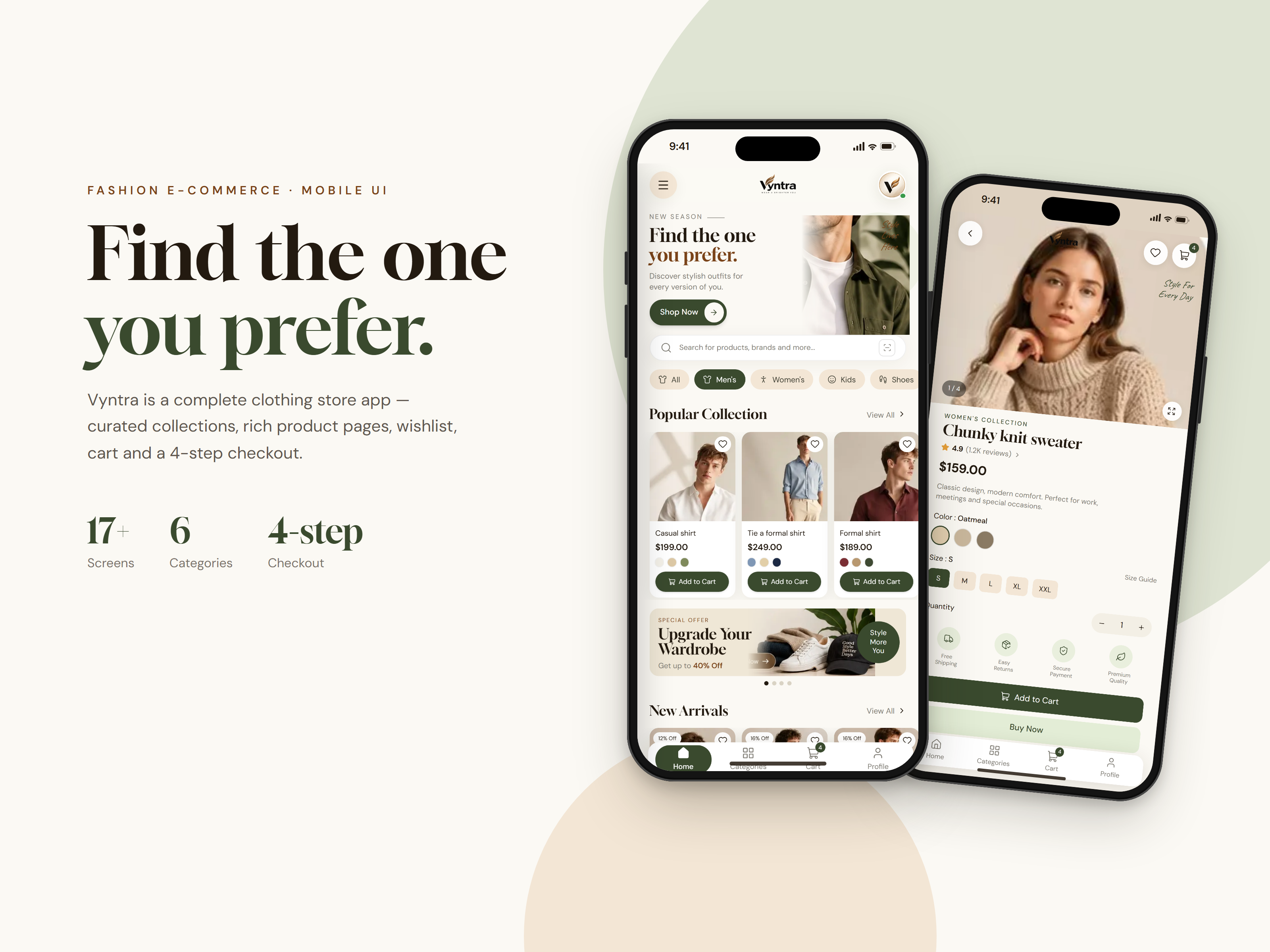
A mobile-first clothing store with curated collections, rich product pages, a wishlist, a cart and a smooth 4-step checkout, all installable as an offline-ready PWA.
Vyntra: Fashion E-commerce Mobile App
Mobile Application · Next.js · React